◆ Quick answer
Check your passwords against known breaches with a privacy-safe tool, then change any reused passwords, turn on two-factor authentication, and move to a password manager.
Billions of passwords have leaked in data breaches, and reused passwords are how one leak turns into many hacked accounts. The good news: you can check whether yours is exposed in seconds, and fixing it is straightforward. Here's exactly what to do.
How to check if your password has been leaked?
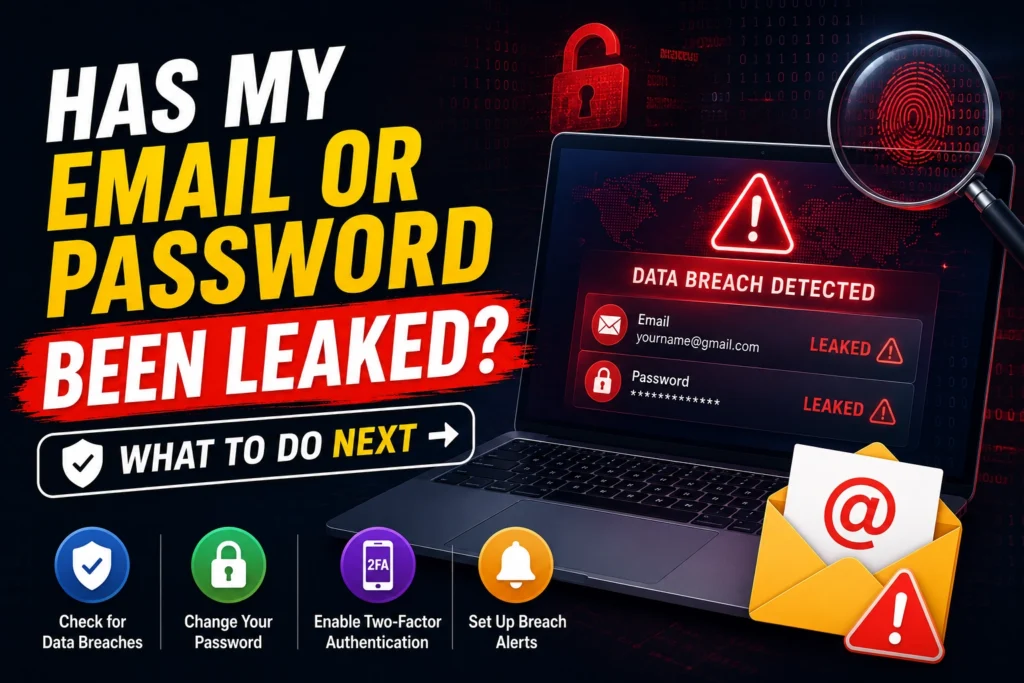
Use a breach checker like our free Password Breach Checker. It tells you whether a password has appeared in known breaches, and how many times, without your password ever leaving your device (more on how that works below). Google's built-in Password Checkup and your browser's password manager can also flag compromised saved logins.
What to do right now if you've been breached
- Change that password immediately — everywhere you used it.
- Turn on two-factor authentication (2FA) on email, banking, and social accounts, so a stolen password alone isn't enough.
- Stop reusing passwords. Give every account its own unique password.
- Check accounts that shared the password and update them too.
- Watch for phishing. Leaked email addresses attract scam messages — don't click unexpected links.
How to create passwords that survive a breach
- Make them long — a 4-word passphrase beats a short complex one.
- Make every one unique so a single leak can't spread.
- Use a password manager to generate and remember them for you.
- Add 2FA or switch to passkeys where offered.
Is it safe to type your password into a checker?
With a properly built tool, yes. Our checker uses a method called k-anonymity: your password is hashed in your browser, and only the first five characters of that hash are ever sent — never the password, and never the full hash. That's enough to check against a database of billions of breached passwords without anyone being able to see what you typed.
Frequently asked questions
What does it mean if a password was “pwned”?
“Pwned” means the password has appeared in a known data breach and is on public breach lists. Attackers try these passwords first, so any pwned password should be considered unsafe — even if your specific account hasn't been hacked yet.
How often do passwords leak?
Constantly. Major breaches happen every few weeks, and aggregated breach collections contain billions of credentials. That's why reuse is so dangerous — one old leak can unlock accounts years later.
Do I really need a password manager?
It's the single biggest upgrade to your security. You only remember one strong master password, and the manager creates a unique, random password for every other account — the exact thing that stops breaches from spreading.