
◆ Quick answer
These 7 free browser tools do everything on your device — no sign-up, no upload, nothing stored. Check your specs, test a password, analyze a WhatsApp chat, and more.
Most “free online tools” quietly upload whatever you give them to a server. These seven don't. Every one runs entirely in your browser — no account, no upload, and nothing kept after you close the tab. They're fast, private, and genuinely useful.
1. PC Specs Checker
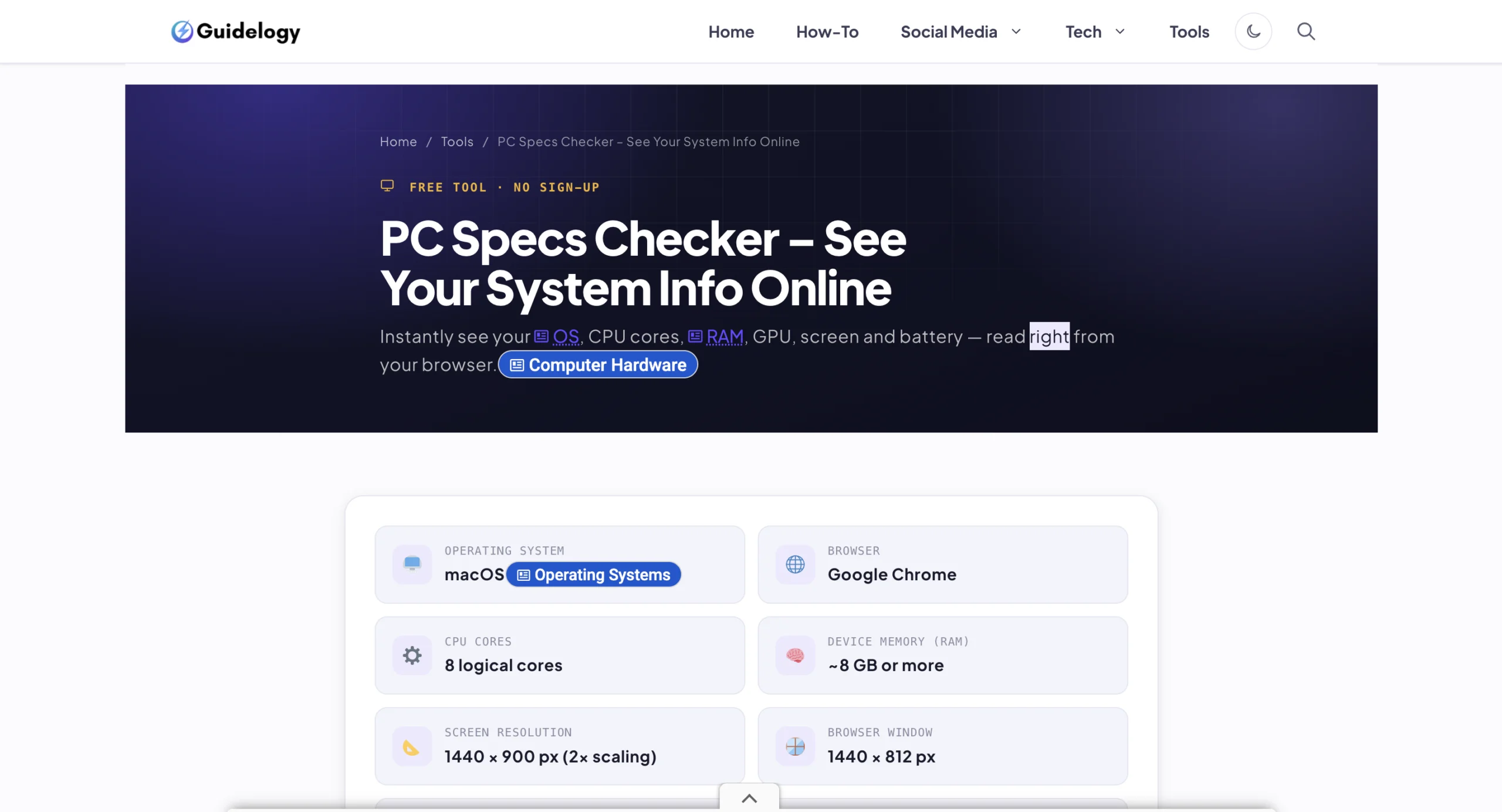
See your operating system, CPU cores, RAM, GPU, and screen — read straight from your browser. Check your PC specs →
2. Password Breach Checker
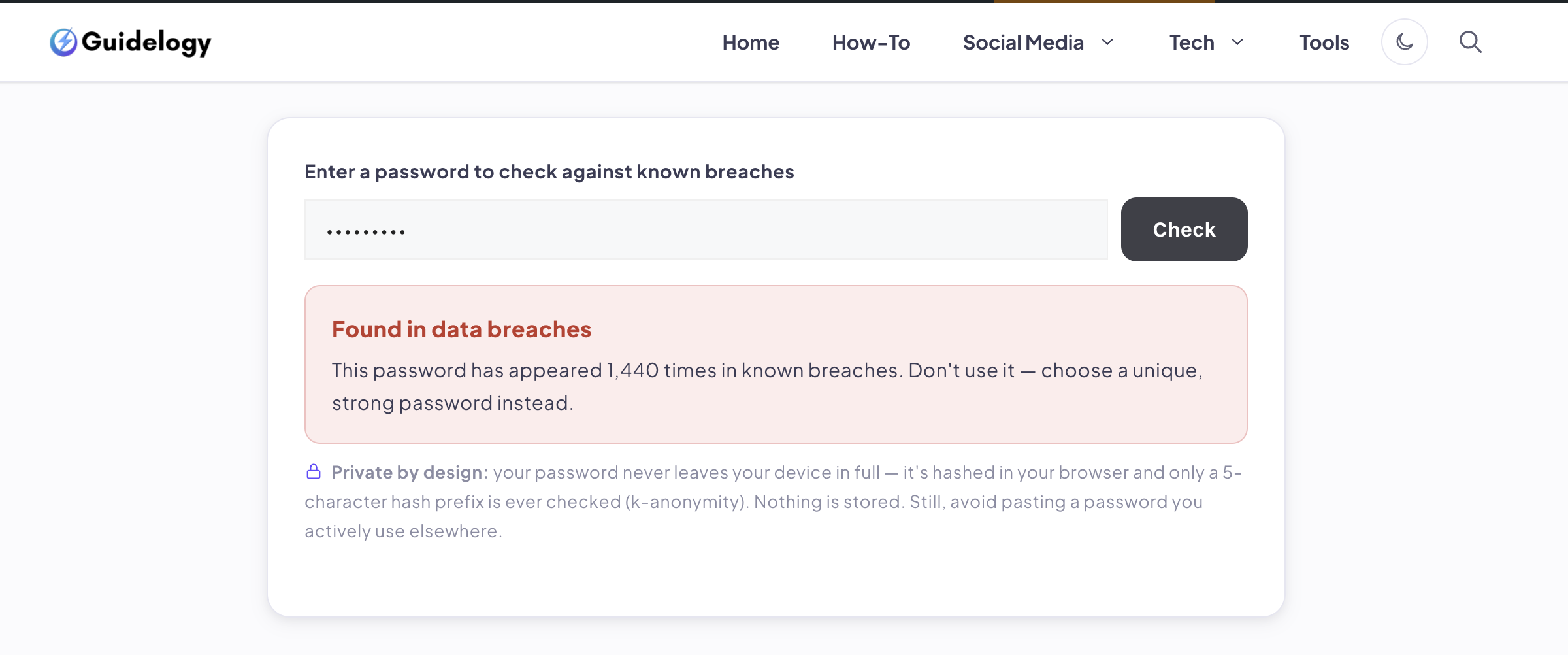
Find out if a password has appeared in a data breach, using k-anonymity so the password never leaves your device. Check a password →
3. WhatsApp Chat Analyzer
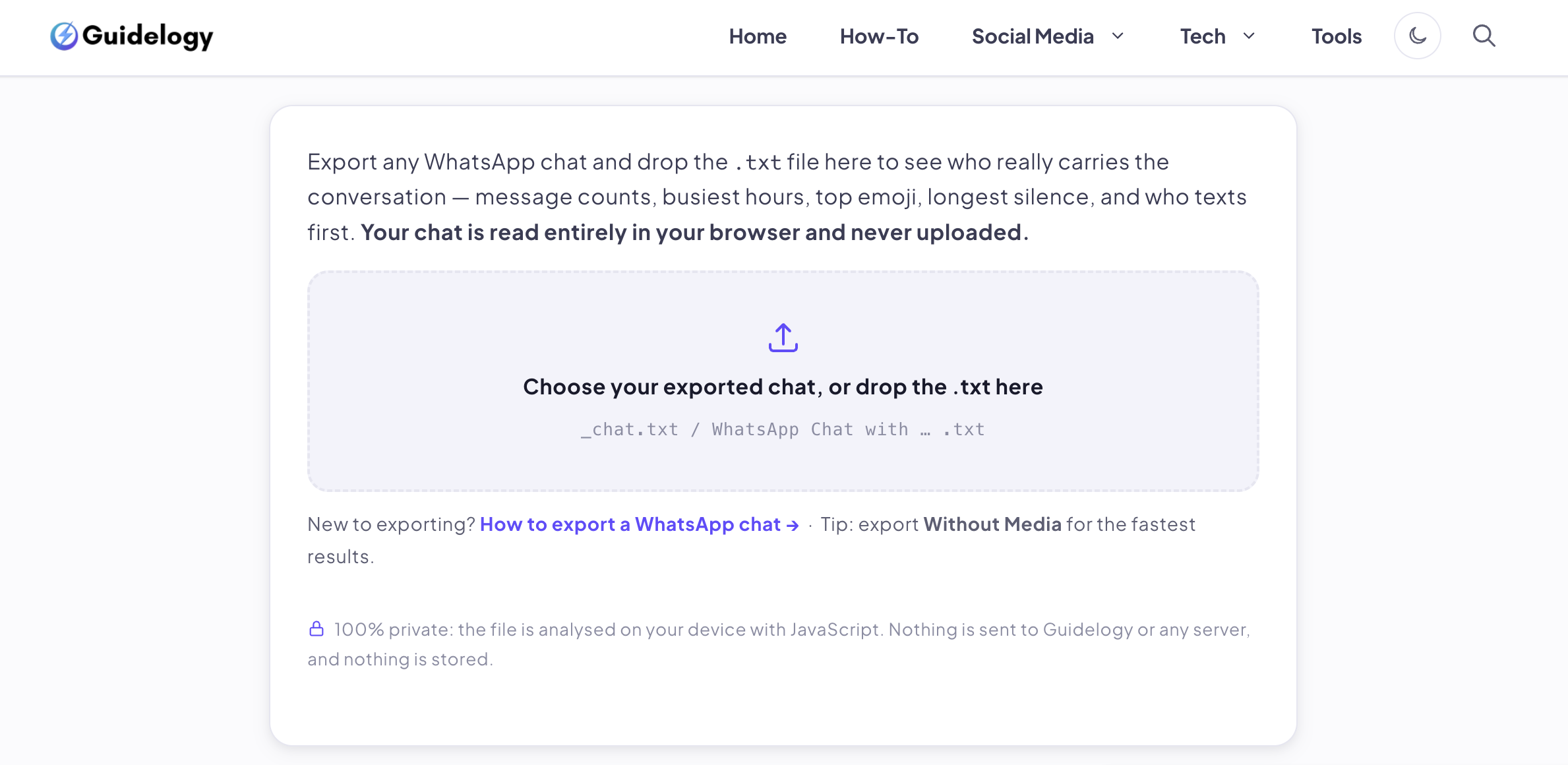
Turn an exported chat into fun stats — who texts most, busiest hours, top emoji — with the file read locally and never uploaded. Analyze a chat →
4. Camera & Mic Test
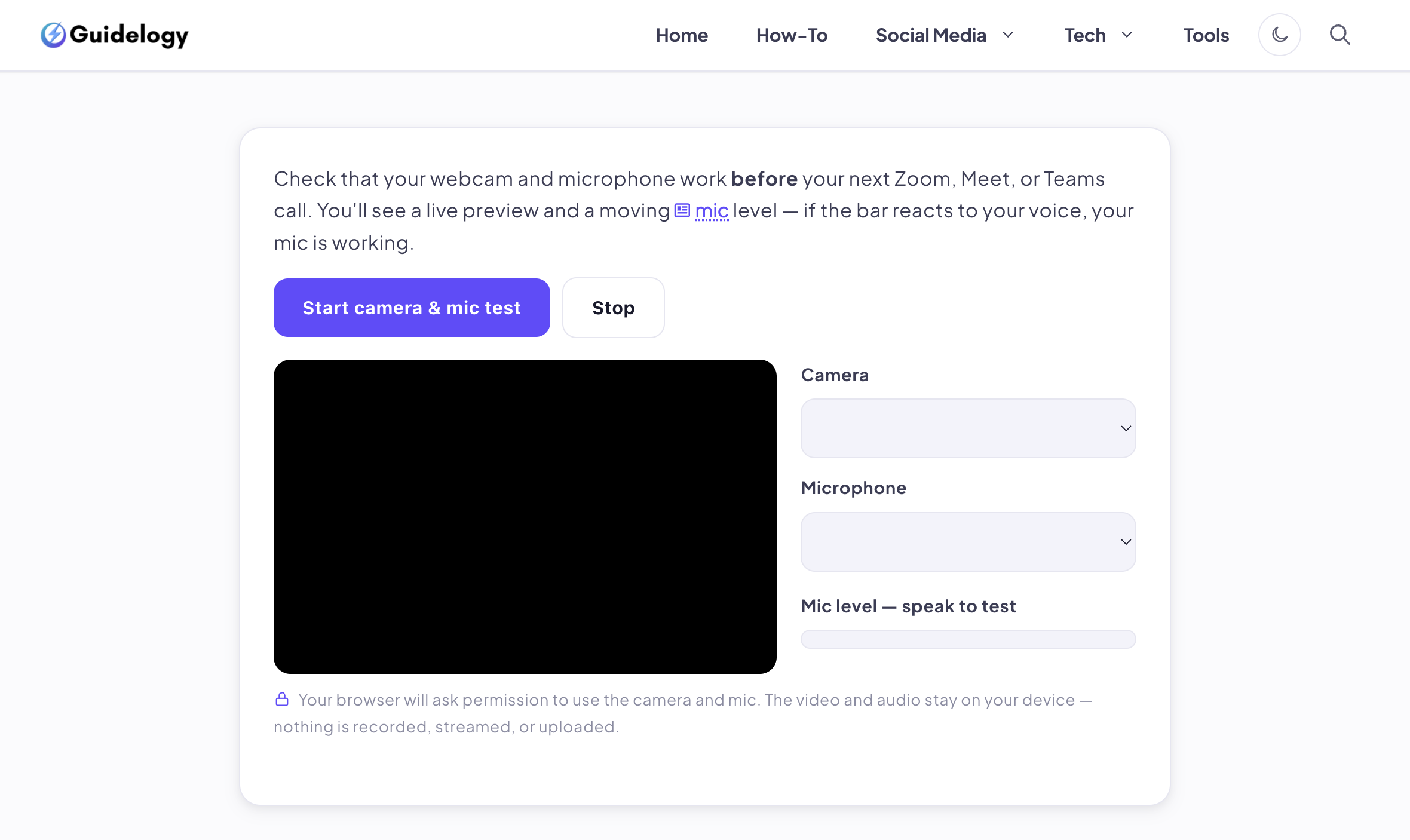
Check your webcam and microphone before a call with a live preview and level meter. Nothing is recorded. Test camera & mic →
5. Character Counter
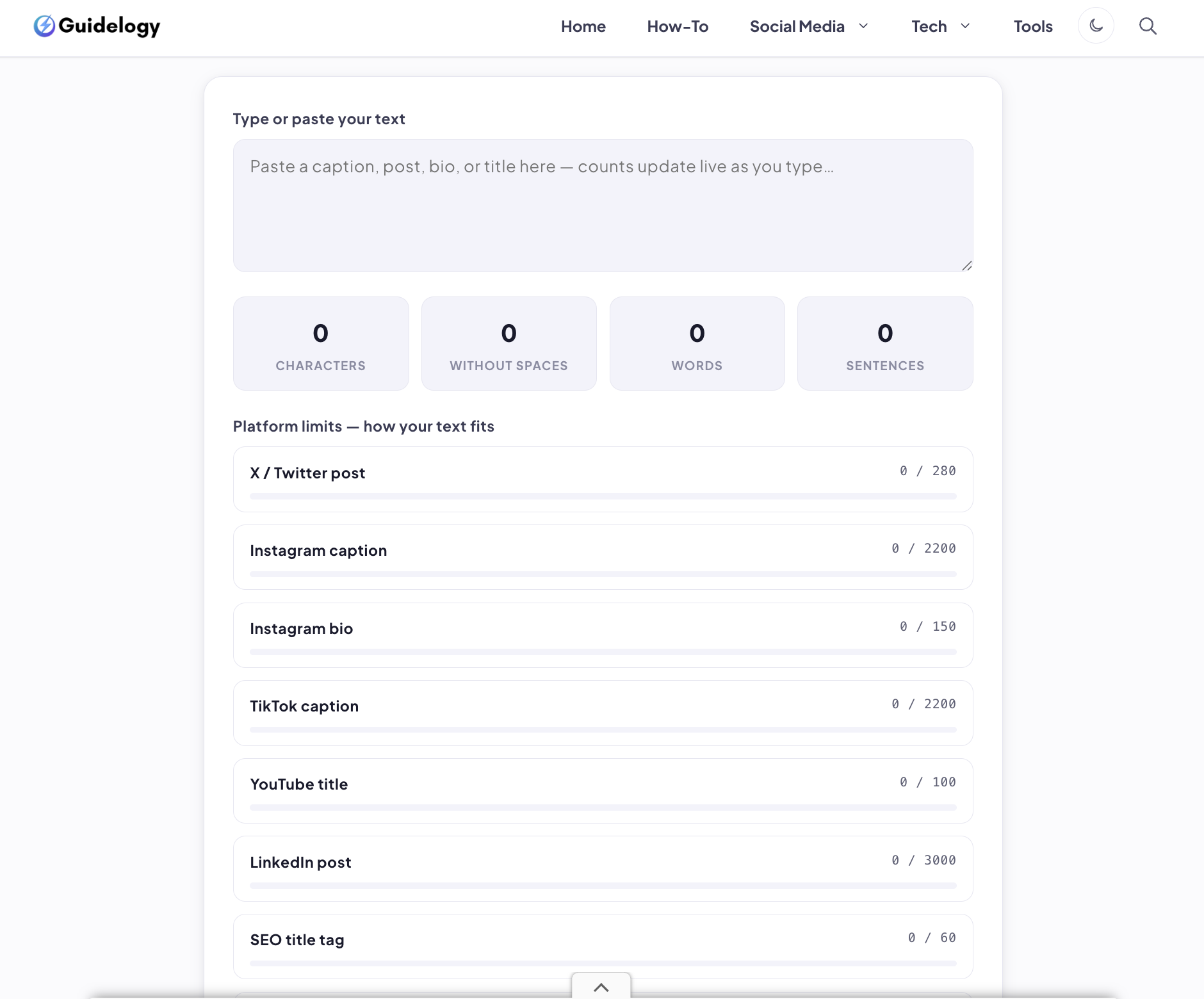
Count characters, words, and sentences with live limits for X, Instagram, YouTube, and SEO titles. Count characters →
6. Email Header Analyzer
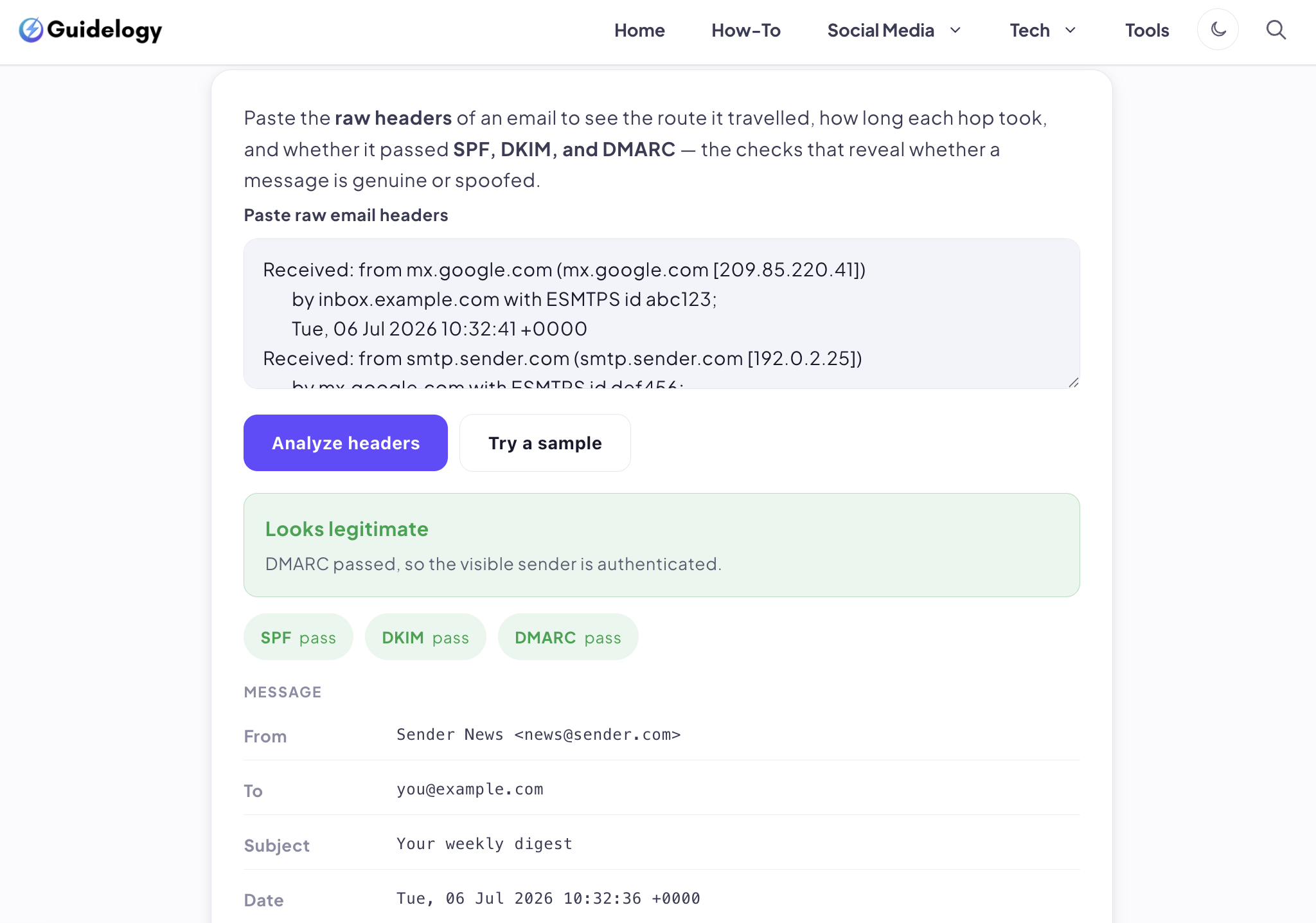
Paste raw email headers to trace the delivery path and check SPF, DKIM, and DMARC — great for spotting spoofed mail. Analyze headers →
7. Dummy File Generator
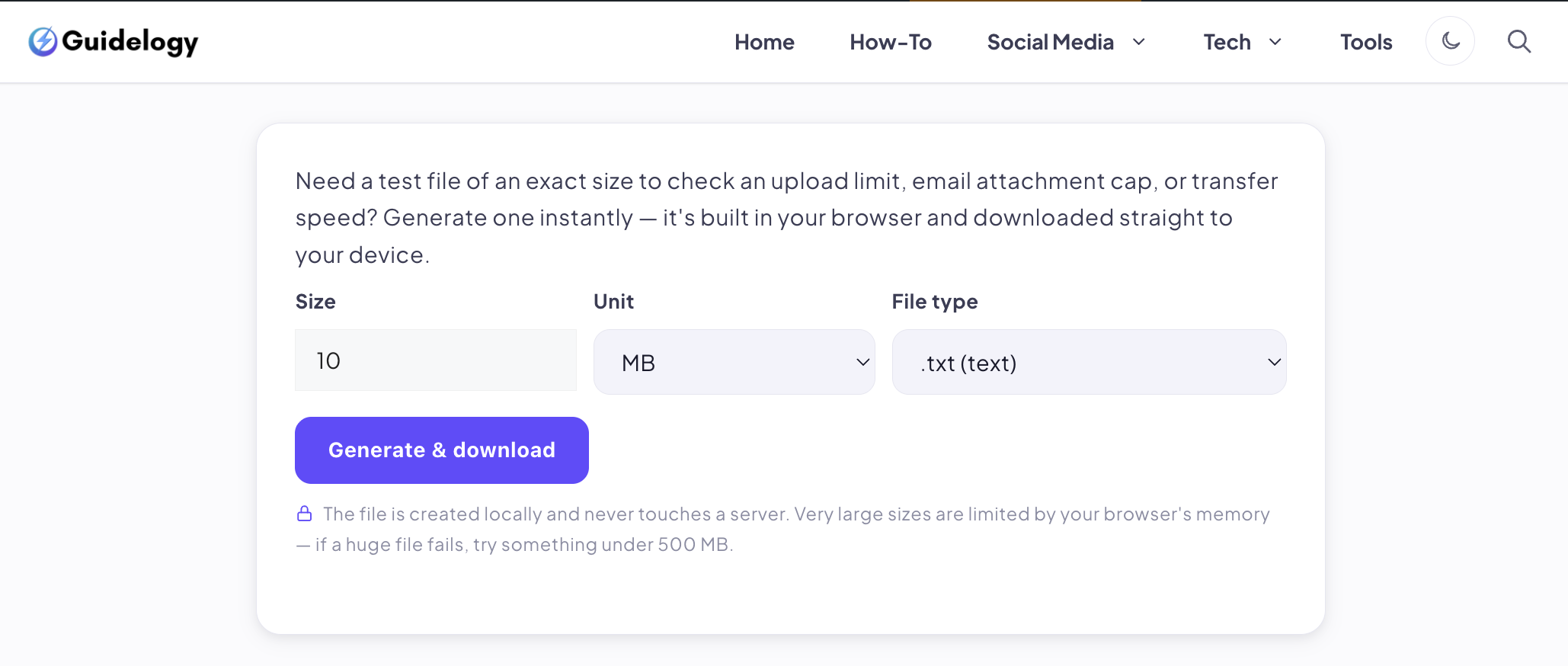
Create a test file of an exact size to check upload limits or transfer speeds, built in your browser. Generate a file →
Why “in your browser” matters
When a tool processes your data locally, there's no server that could log it, leak it, or keep it. For anything involving passwords, private chats, camera access, or personal files, browser-only tools are simply the safer choice — and you can find them all in the Guidelogy tools directory.
Frequently asked questions
Are these tools really free?
Yes — every tool is completely free, with no sign-up and no limits. They're built to be useful and privacy-friendly, not to upsell you.
Do they work on a phone?
Yes. They run in any modern mobile browser. A couple (like the camera test) need permission to use your device features, which you grant with a tap.
Is my data really private?
Yes. These tools use JavaScript to process everything on your device. Nothing you enter or upload is sent to Guidelogy or any server.